Can I try PineKey now?
Yes. Create a free account with your email address, or use an invitation you already have. Free covers one team with up to 3 people.
Can I share without mixing everything together?
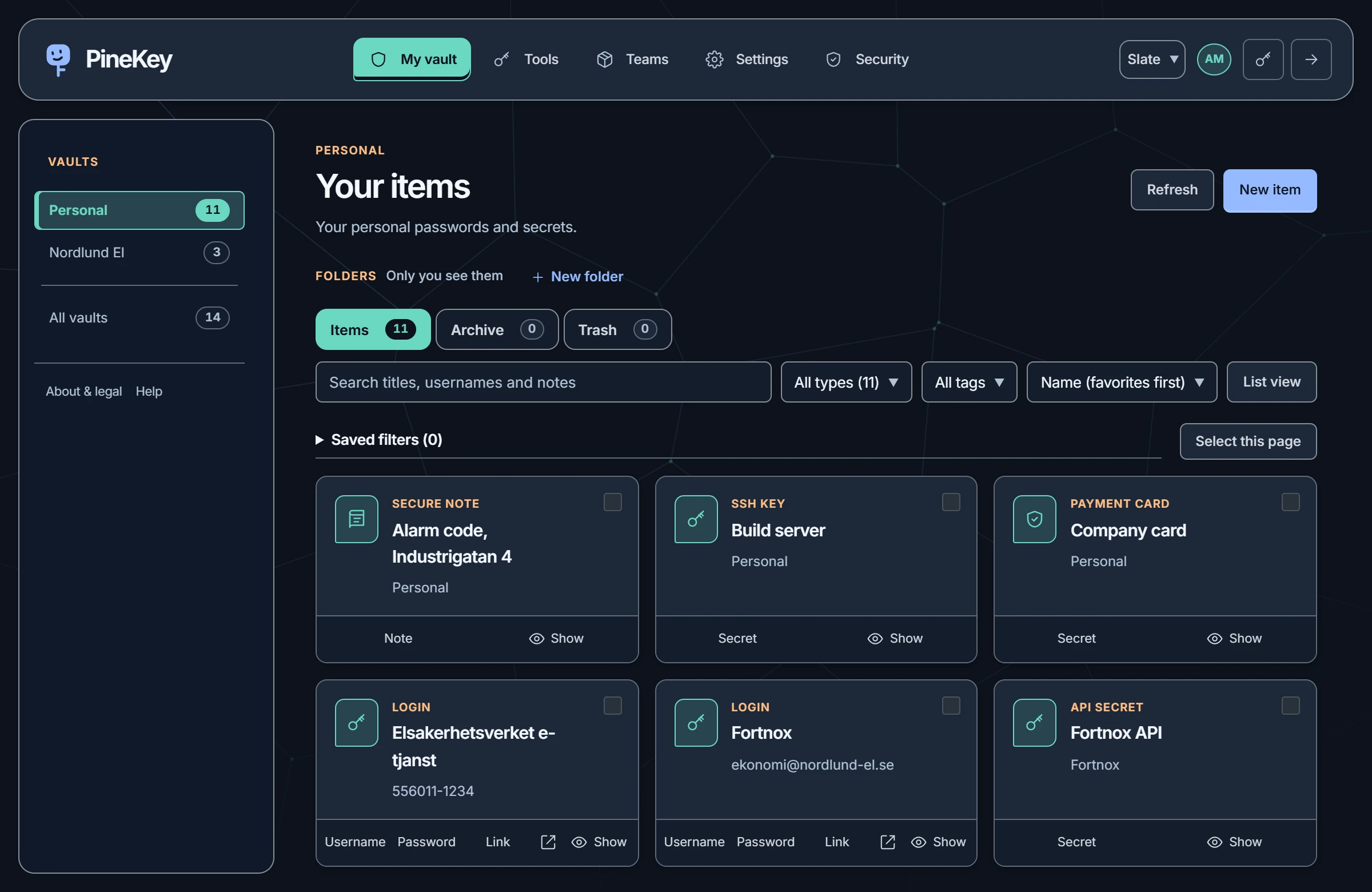
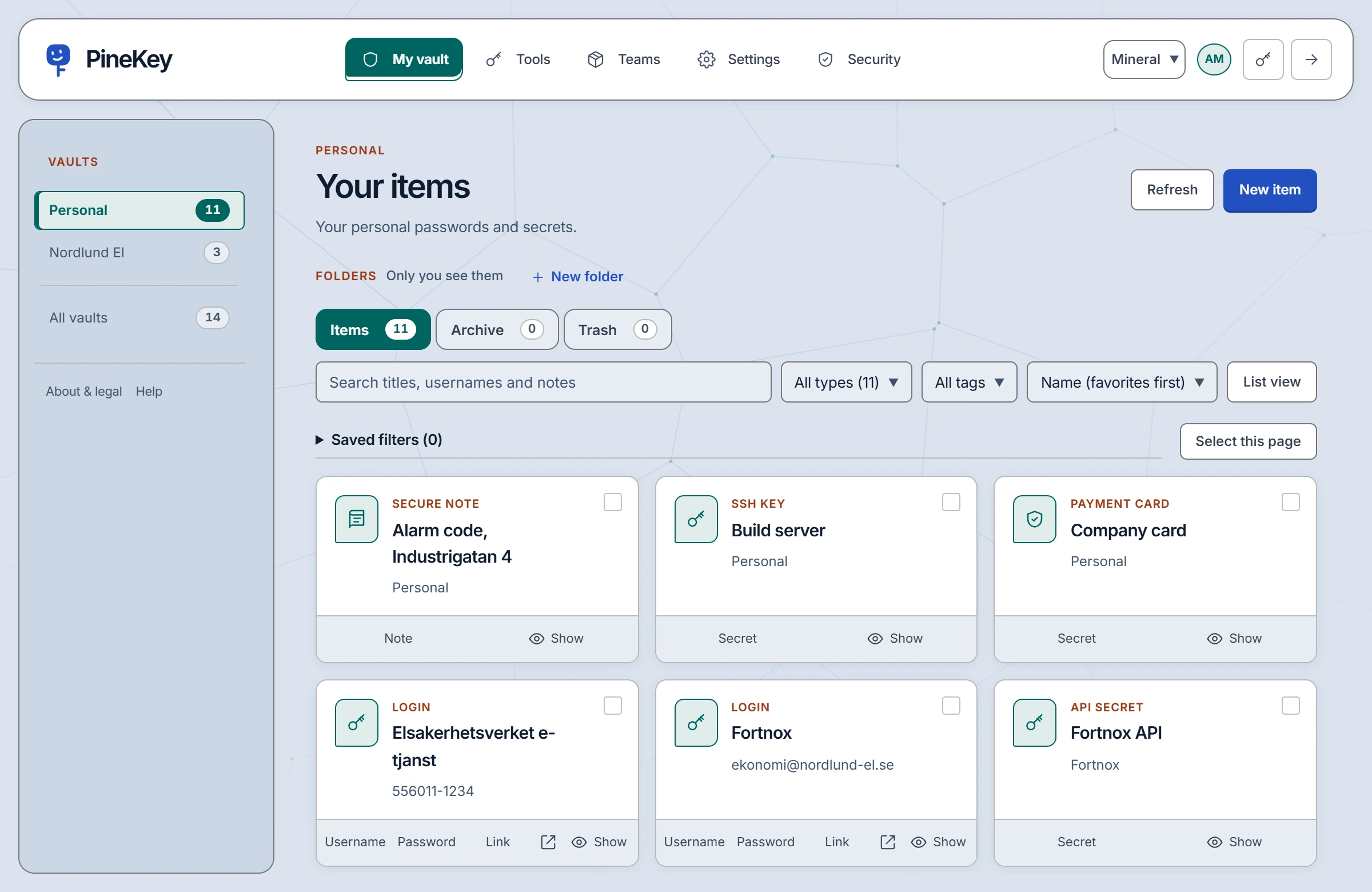
Yes. Personal and team vaults have separate navigation. Organisations use collections to decide which members can access shared items.
Do you have browser and mobile apps?
A Chrome/Edge extension and a CLI are available to signed-in users. The extension is installed manually and fills logins after a click. The web vault works on mobile; native iOS and Android apps are not available yet.
What does it cost?
Free covers personal use and one team with up to 3 people. Pro is for a larger shared workspace: 14.90 EUR per team and month, VAT included, for up to 10 people, and half that for the first 3 months. Anyone can create a free account; a team owner moves the team to Pro and pays by card. See plans and prices.
What if PineKey closes?
We commit to at least three calendar months’ notice, never less than 90 days, before planned permanent closure, with time and instructions to retrieve your data. Read the closure commitment and see our measured availability.
What if I forget my master password?
PineKey cannot reset it. A team owner can replace it only after you enroll in that team’s account recovery. Keep the password safe, save an encrypted export, and set up emergency access while you still have it. See how the security model works.