Build the team
The right collection for the right people.
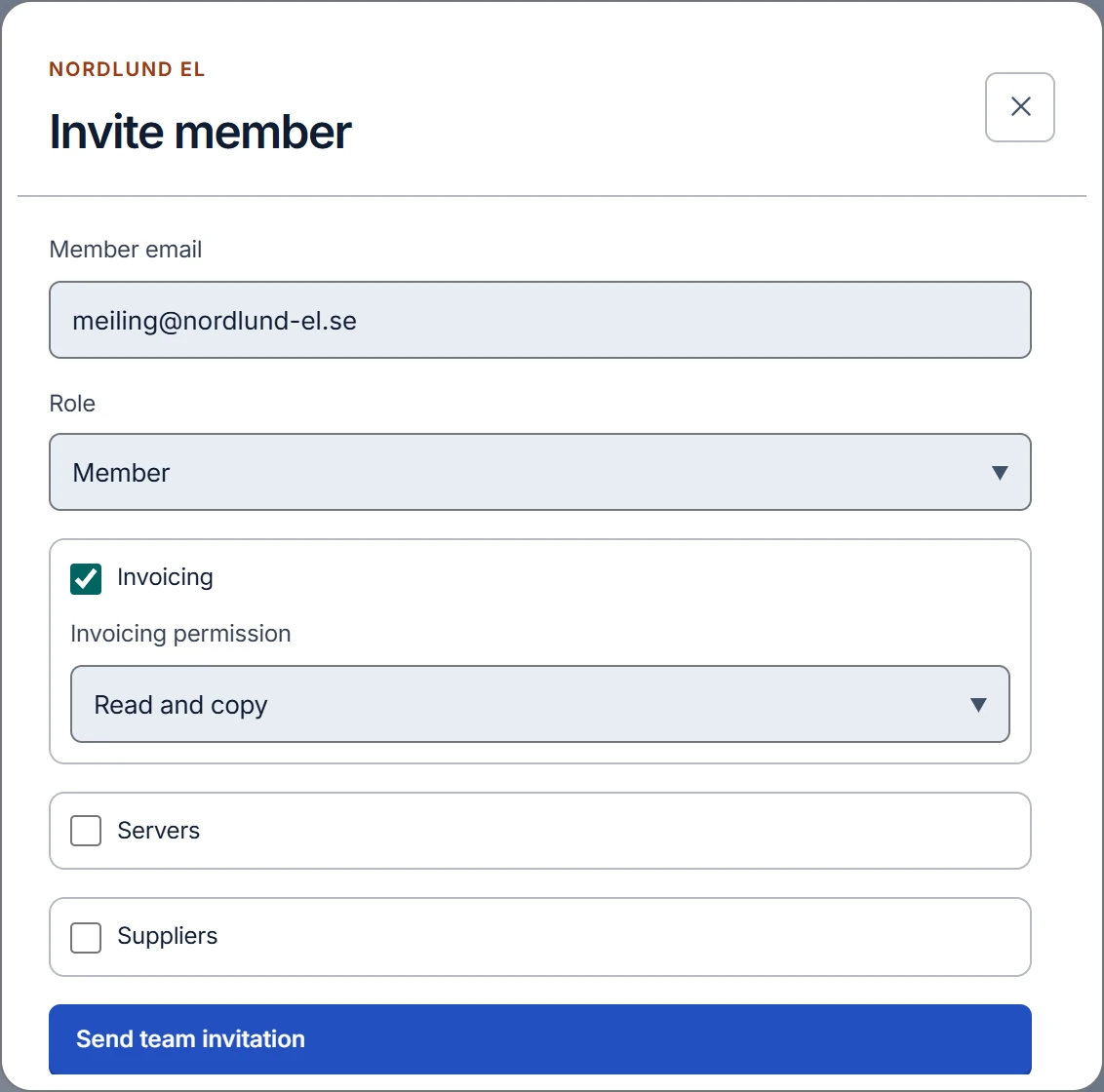
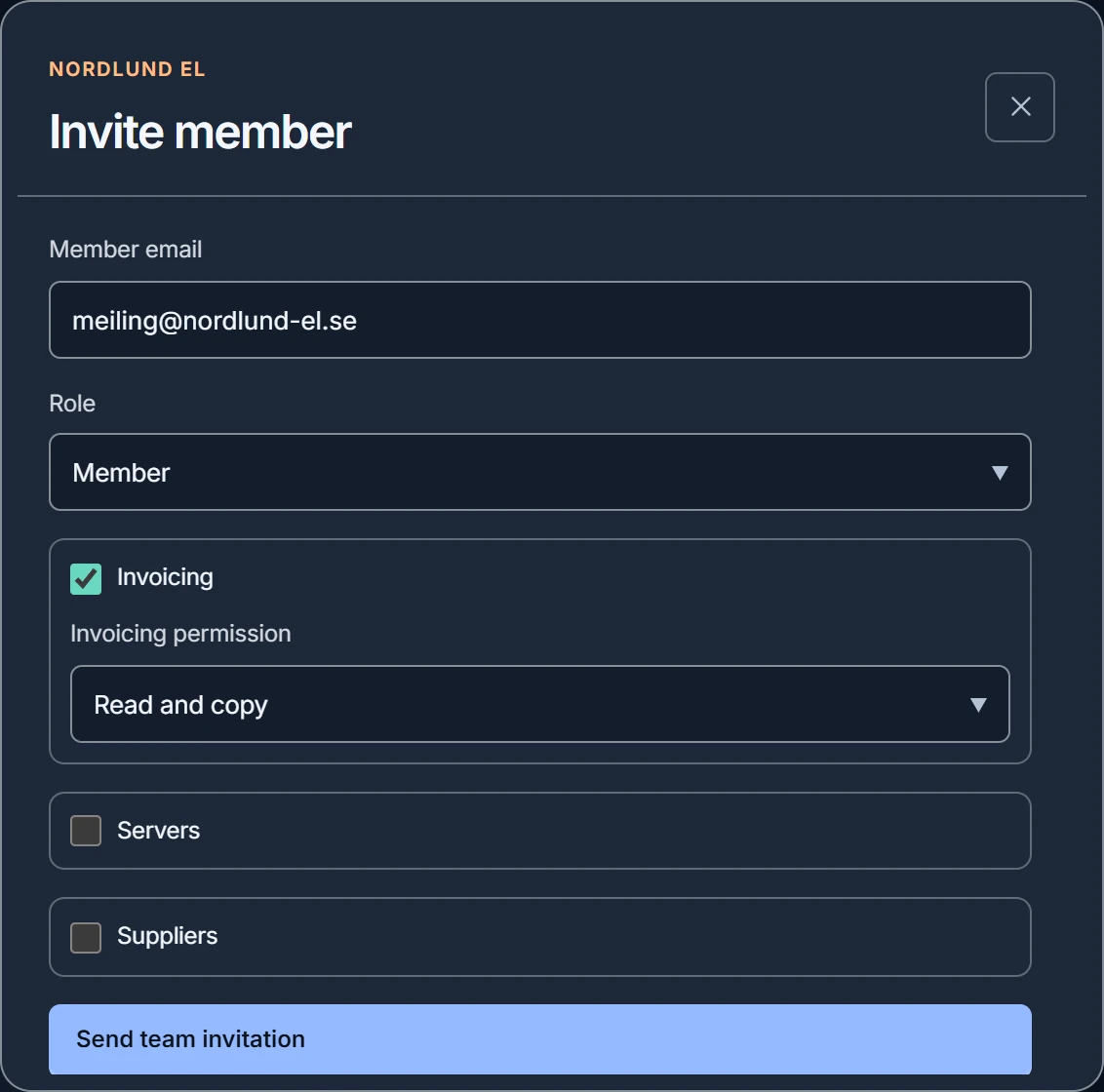
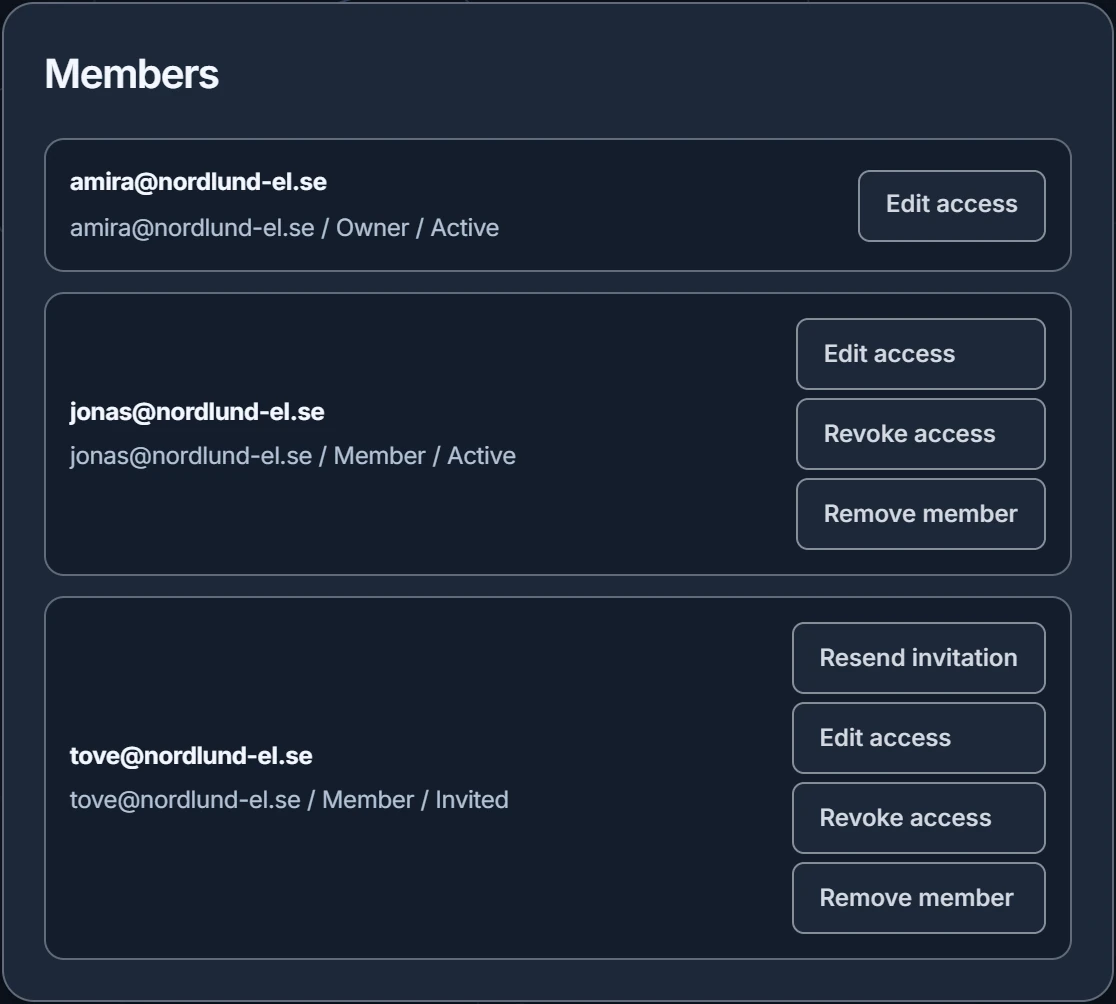
Create the team, add collections and invite colleagues to the ones they need. They create their own vault from the link, and you confirm each member's key before they can open shared items.
Solutions / Teams
A separate home for the passwords and secrets your team uses together. You decide who opens what, and everyone keeps a private vault of their own.
Teams
Create the team, add collections and invite colleagues to the ones they need. They create their own vault from the link, and you confirm each member's key before they can open shared items.
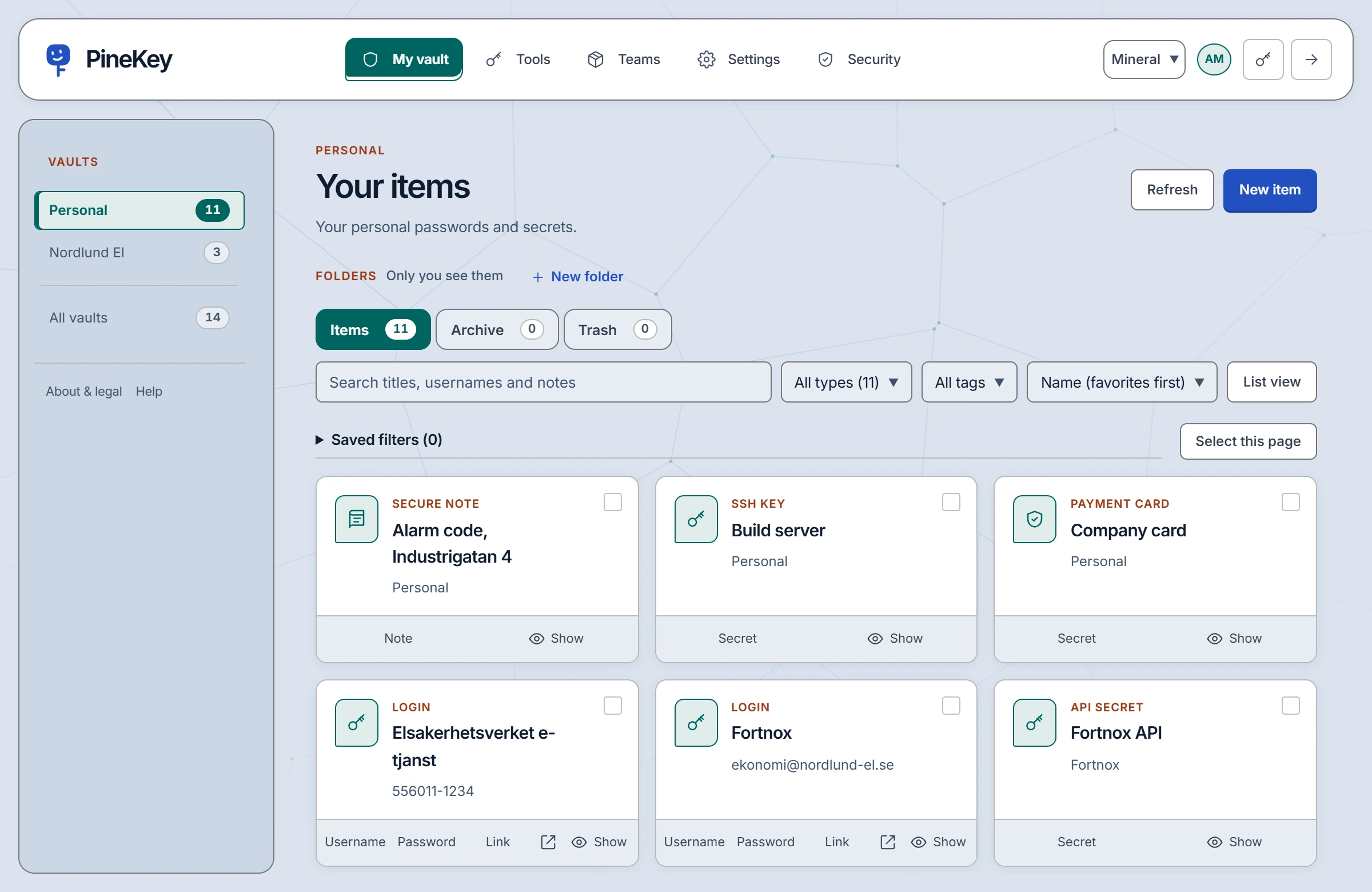
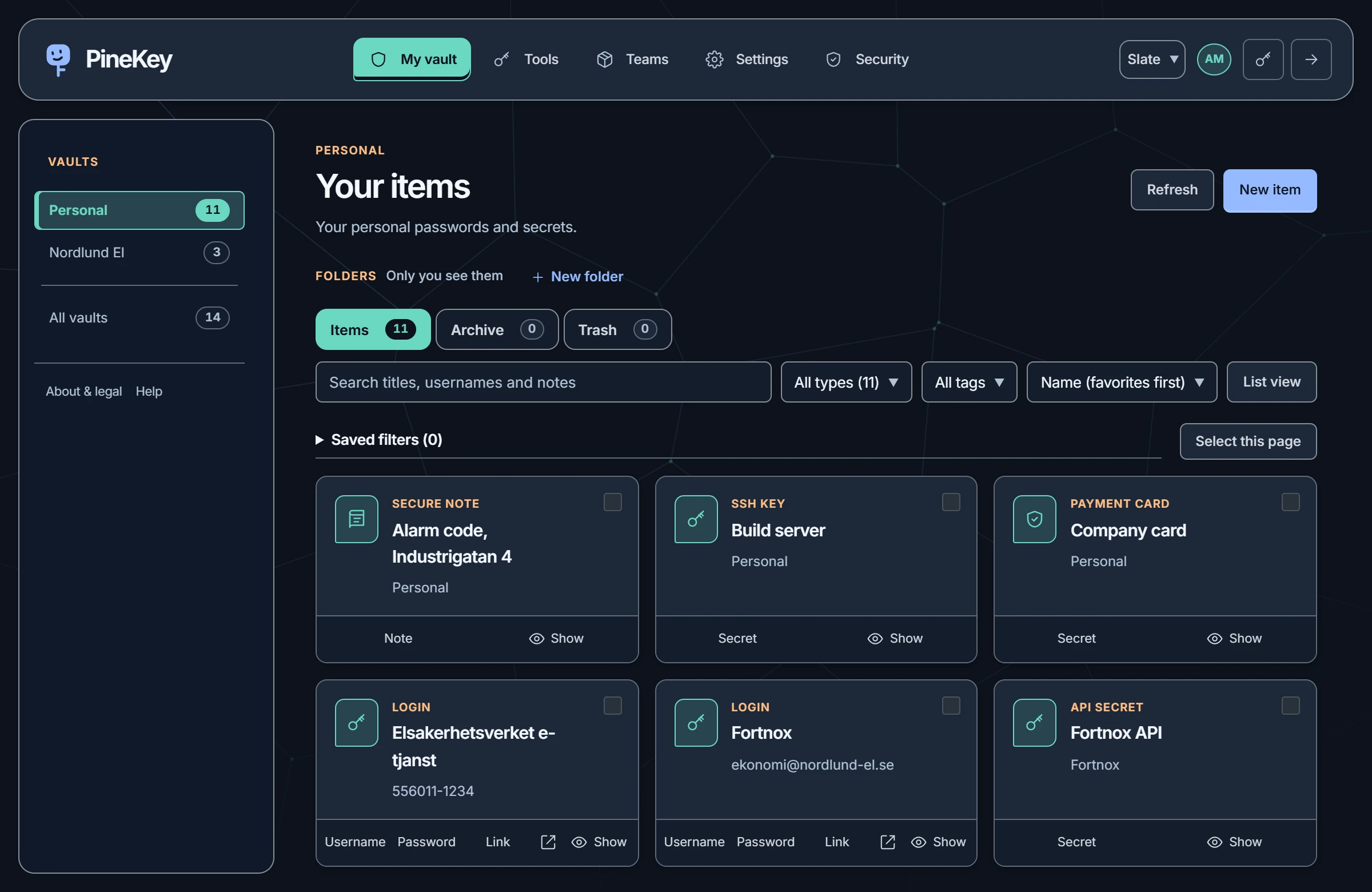
Personal and team navigation stay separate. Share logins, notes, API credentials and every other item type, encrypted before storage, and review team activity when you need to.
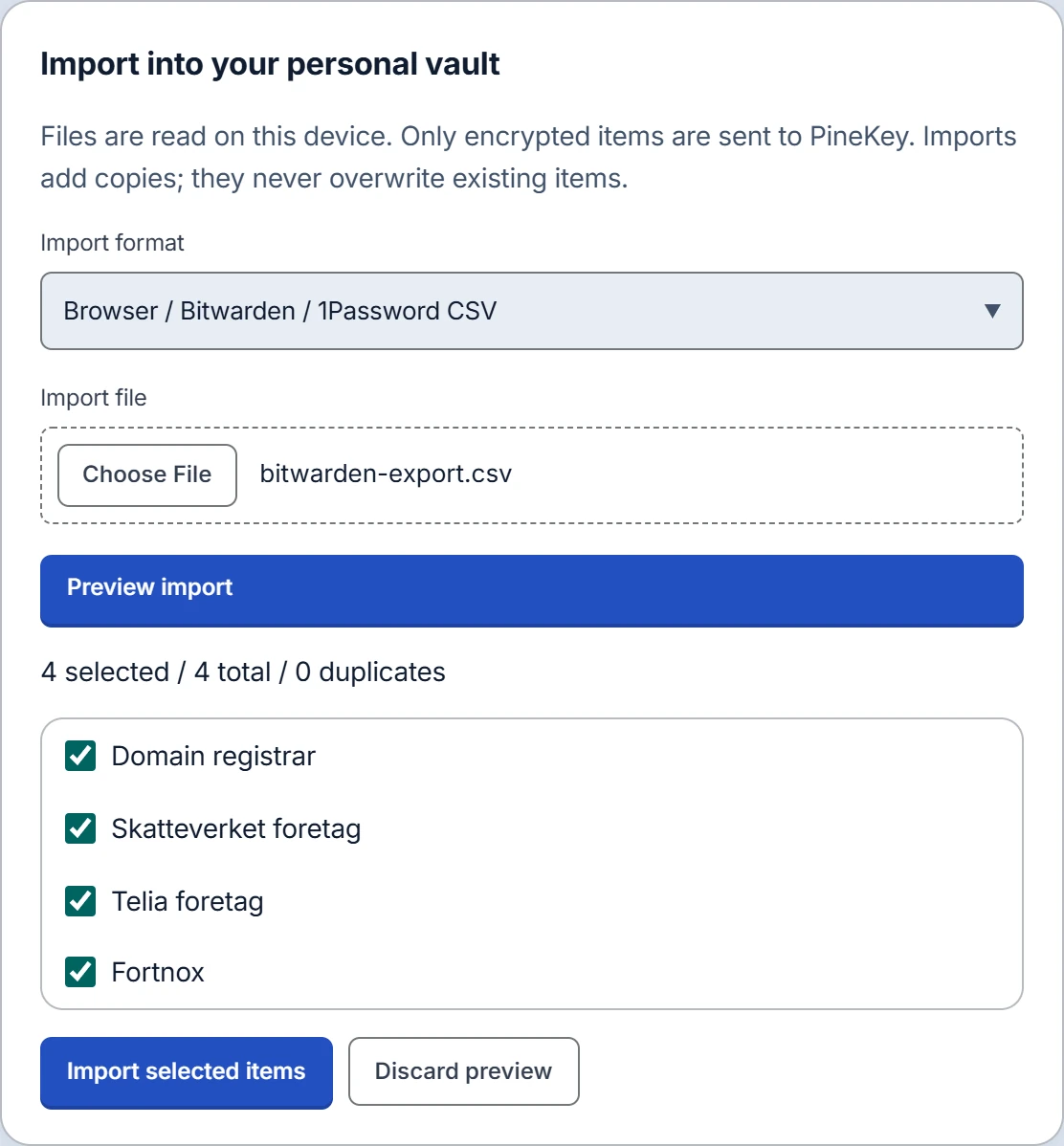
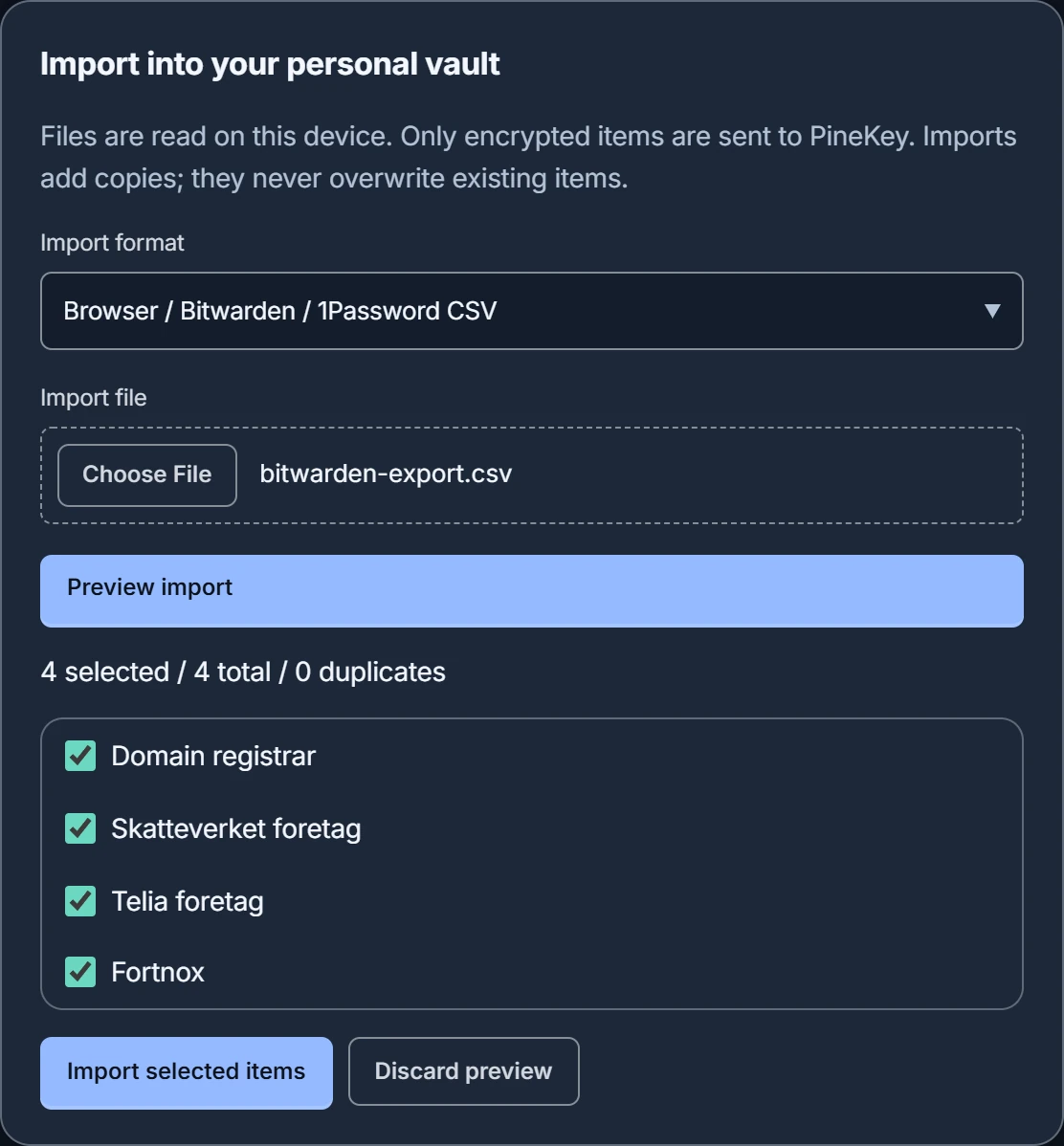
Import from Bitwarden, 1Password or a browser export. The file is read on your device, every row is shown before anything is saved, and existing items are left as they are.
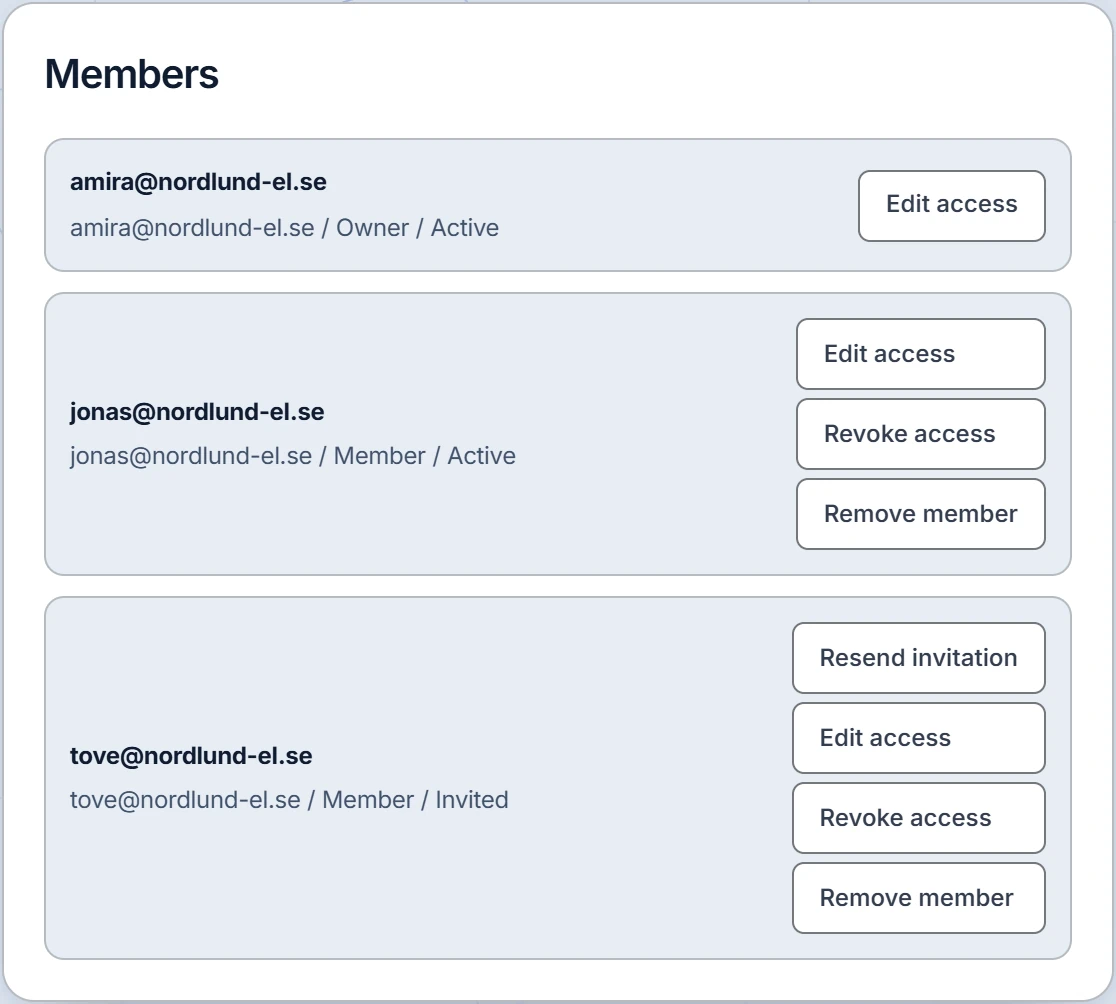
Good to know. When you remove a member, they lose access to the server straight away. Copies they already made stay with them.
Start with a small team.
Create a free account with your email address. One team with up to 3 people is free; Pro is for larger teams.