Keep it together
The useful things, in one vault.
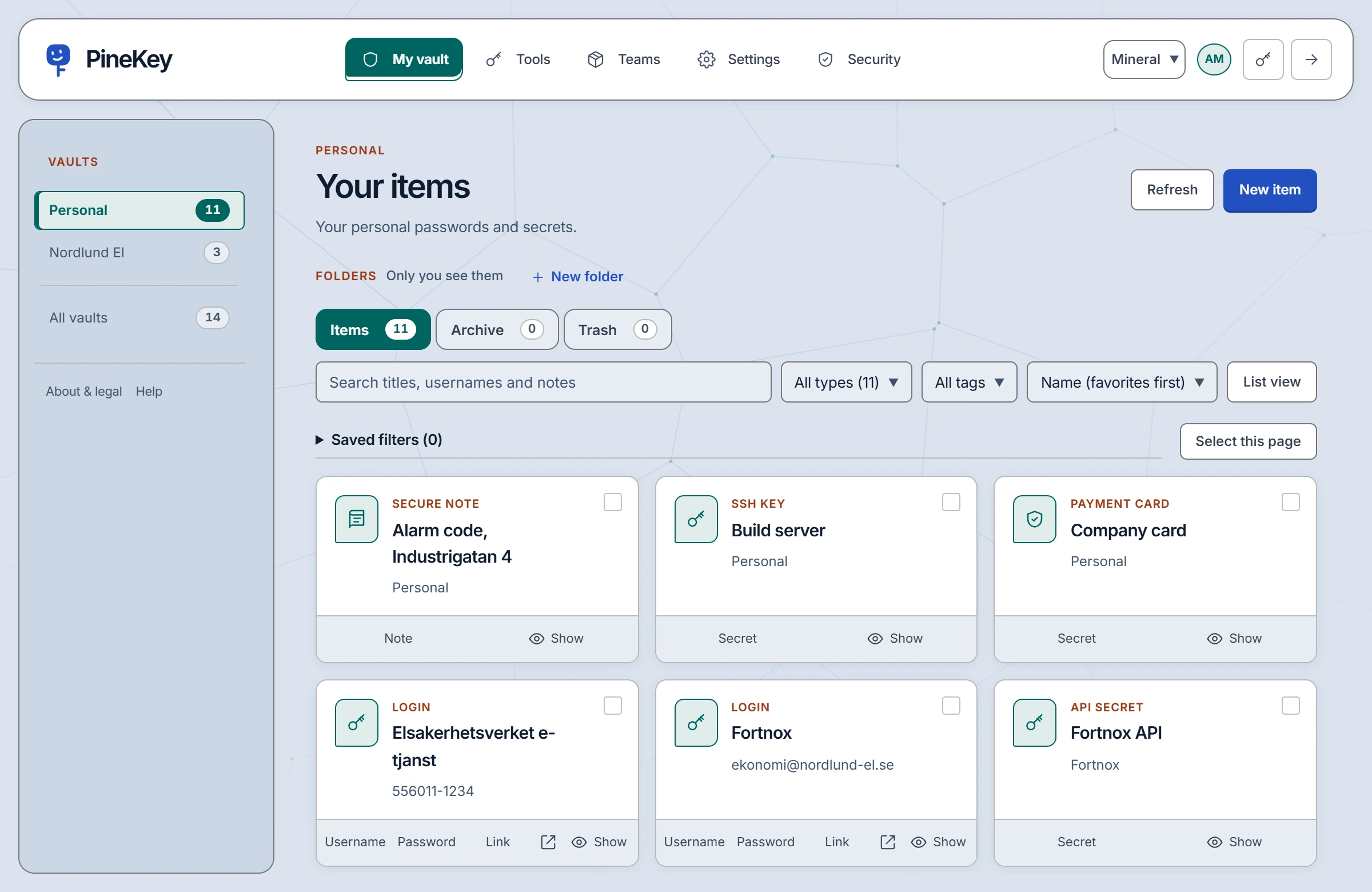
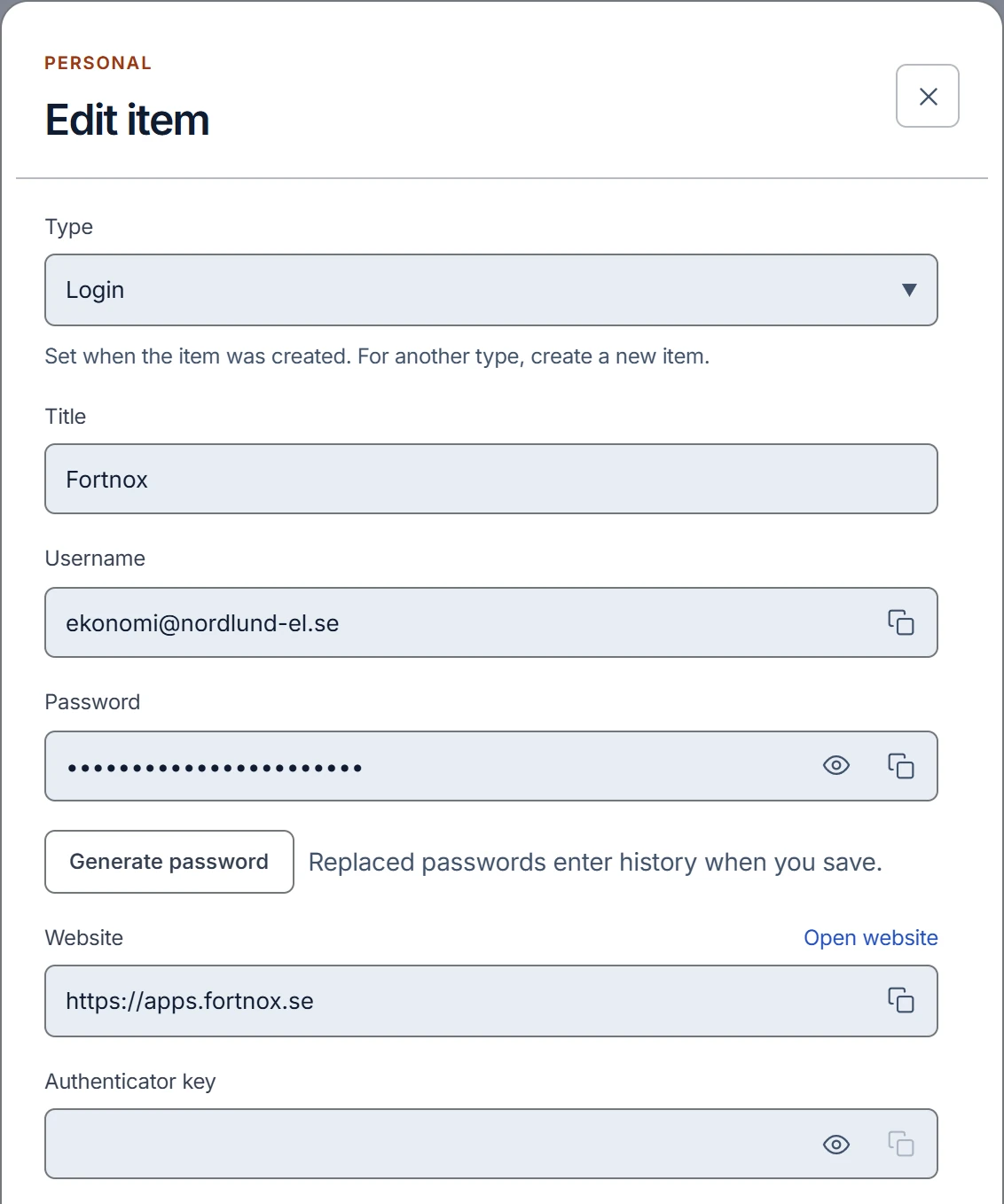
Logins, secure notes, cards, identities, Wi-Fi and recovery codes. Folders, favourites, tags, archive and trash keep them in order, and you copy or reveal a value straight from its card.
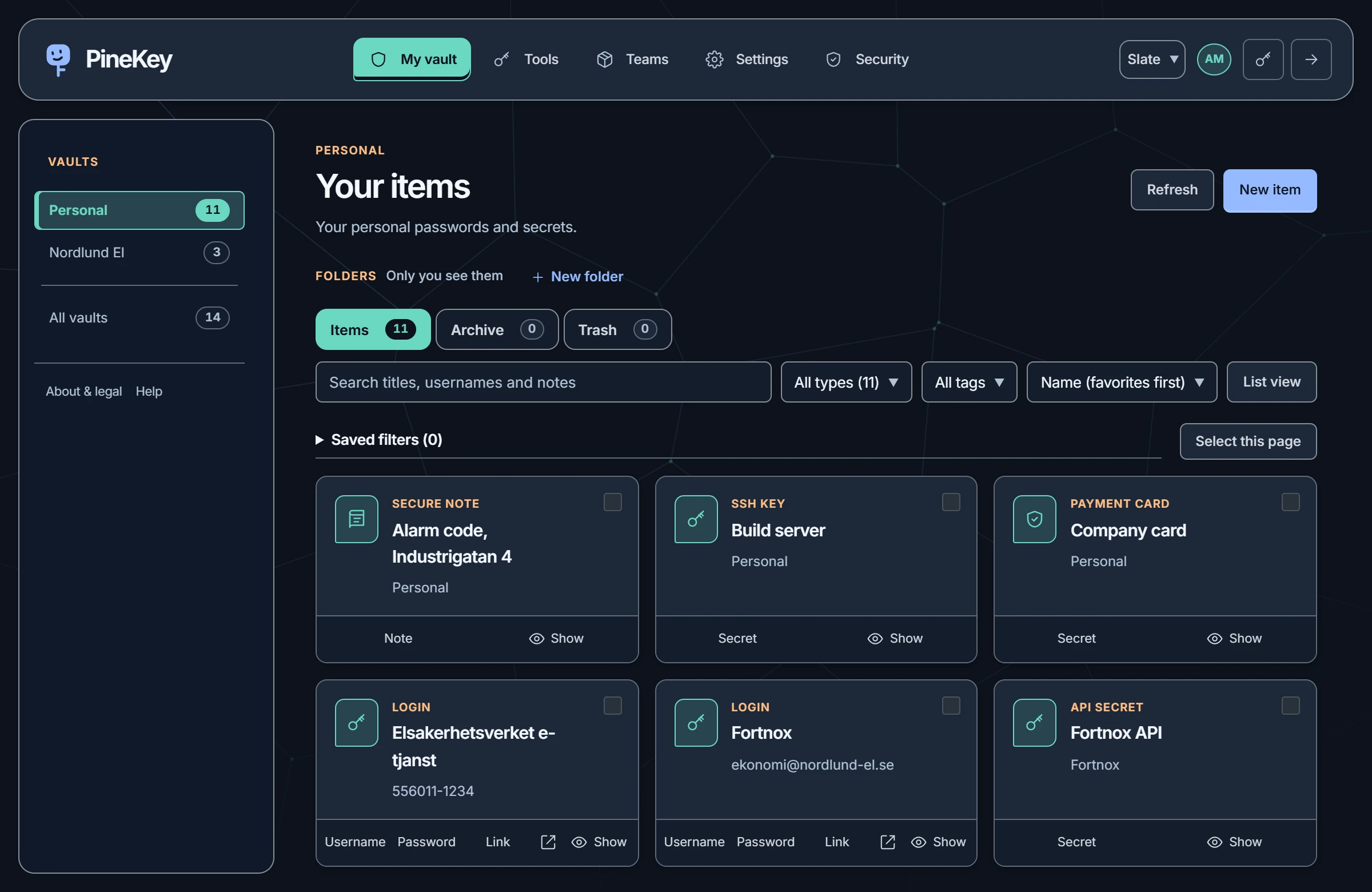
Solutions / Personal
A private vault for passwords, notes, cards and the details that make everyday life run, encrypted on your device before anything reaches us.
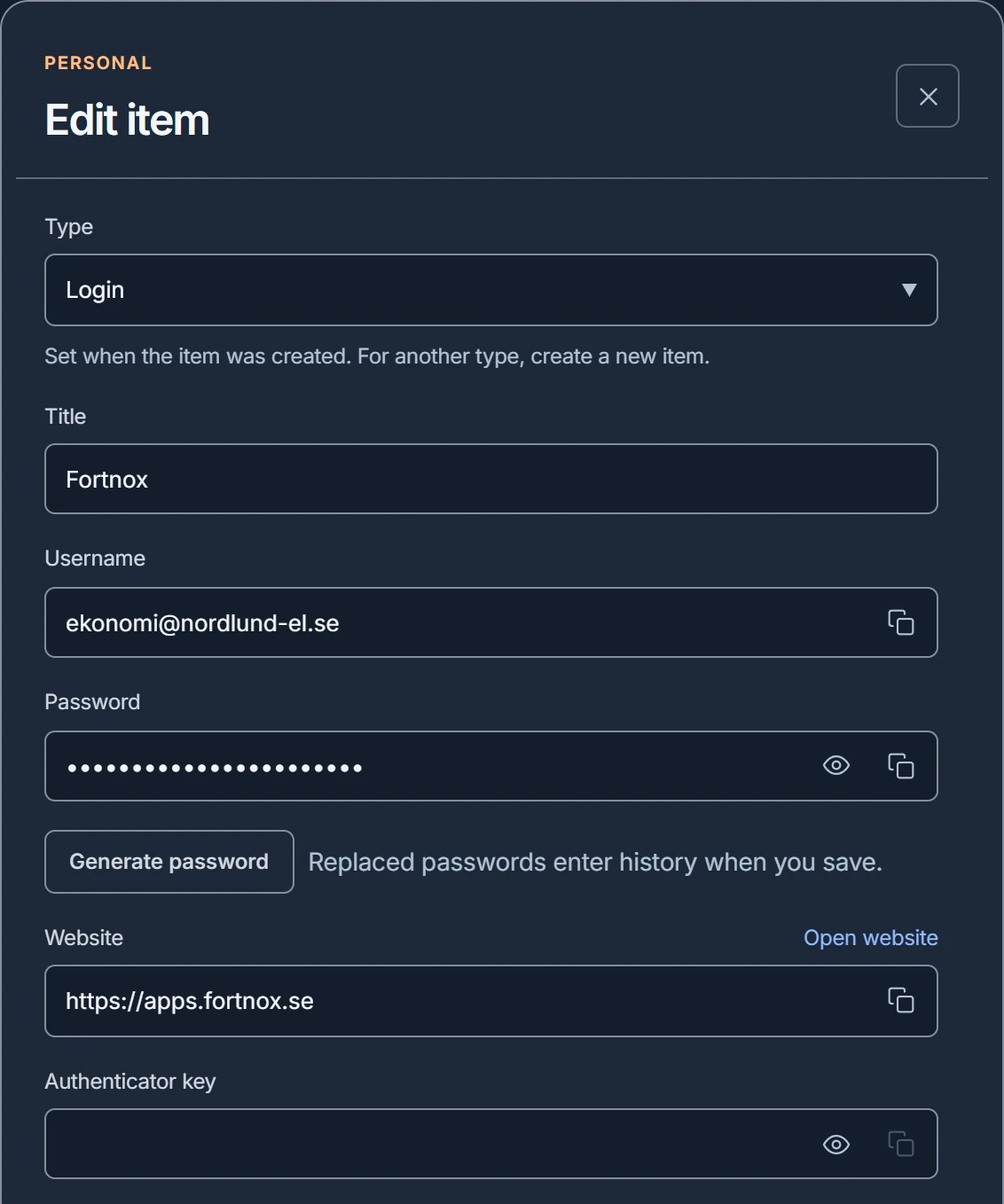
Personal
Logins, secure notes, cards, identities, Wi-Fi and recovery codes. Folders, favourites, tags, archive and trash keep them in order, and you copy or reveal a value straight from its card.
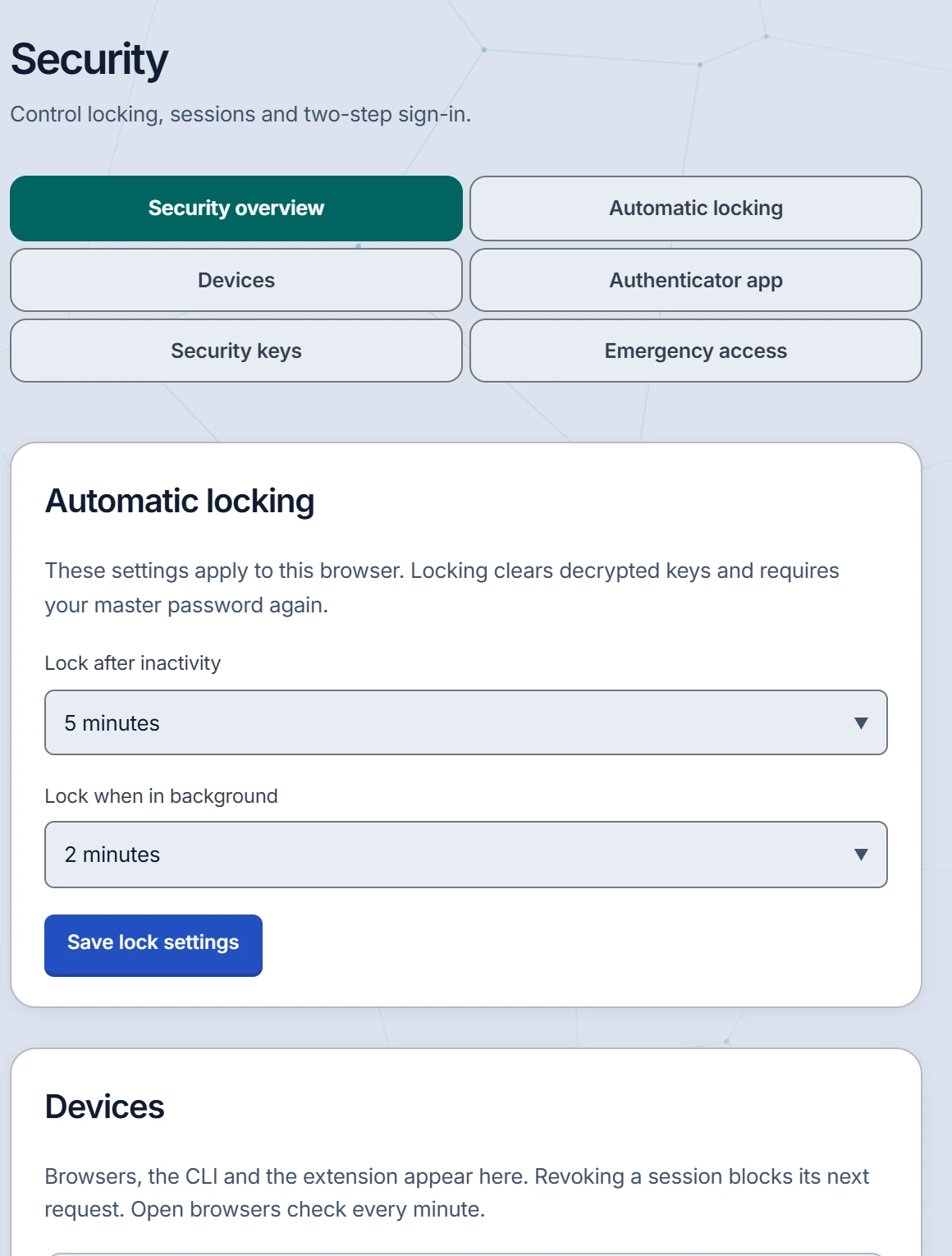
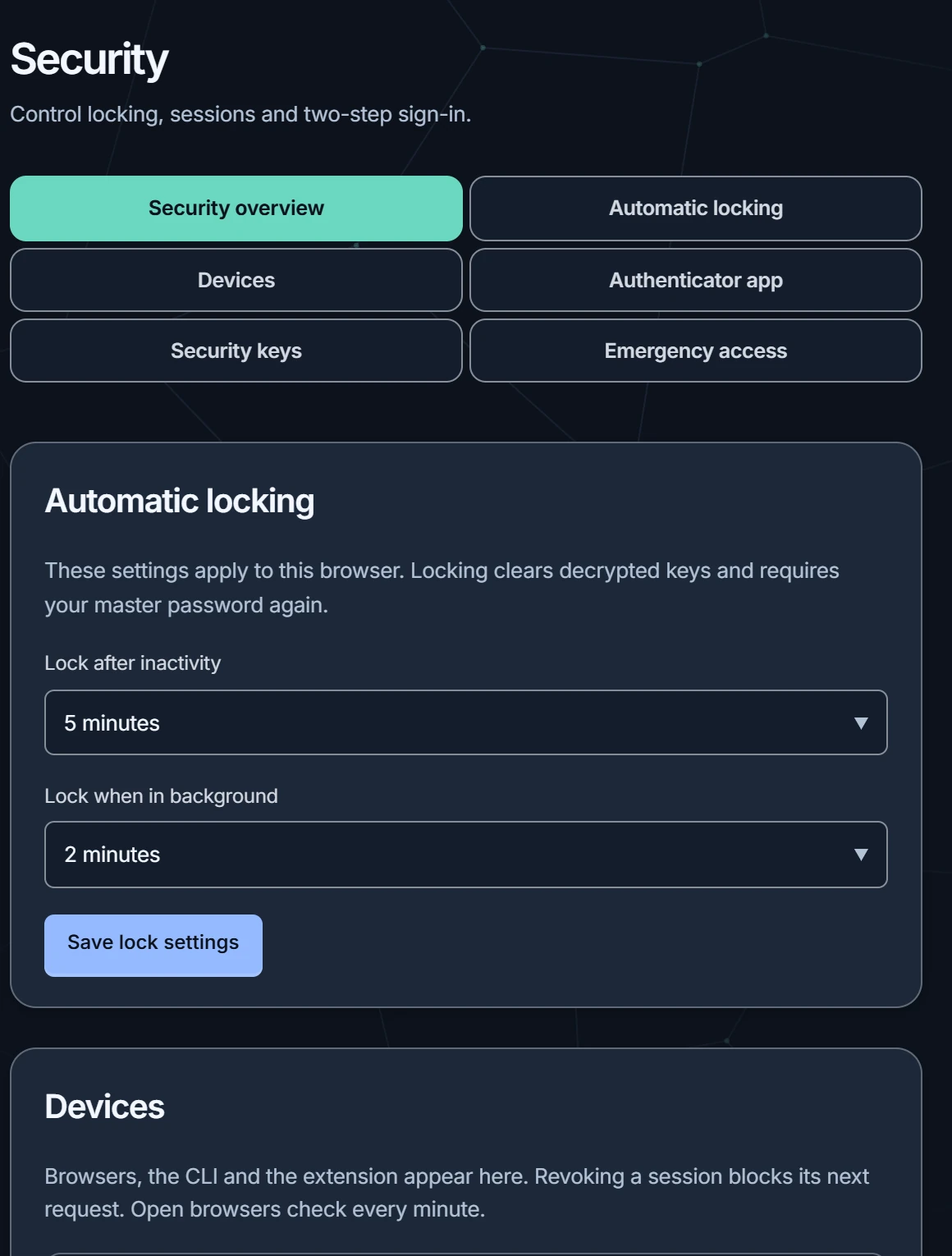
Authenticator codes and two-factor sign-in, device sessions you can review and end, and read-only emergency access for a trusted contact you choose in advance.
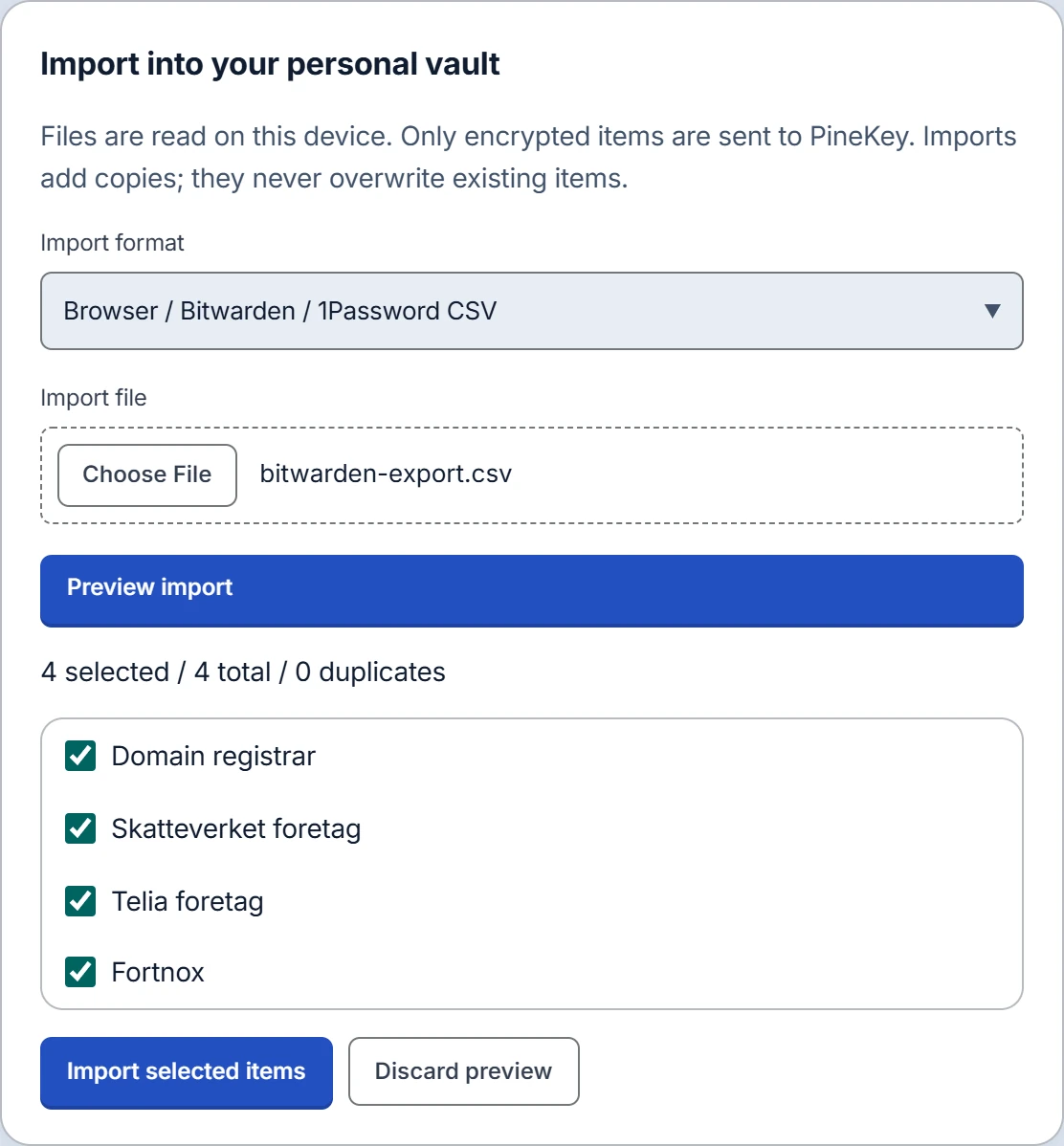
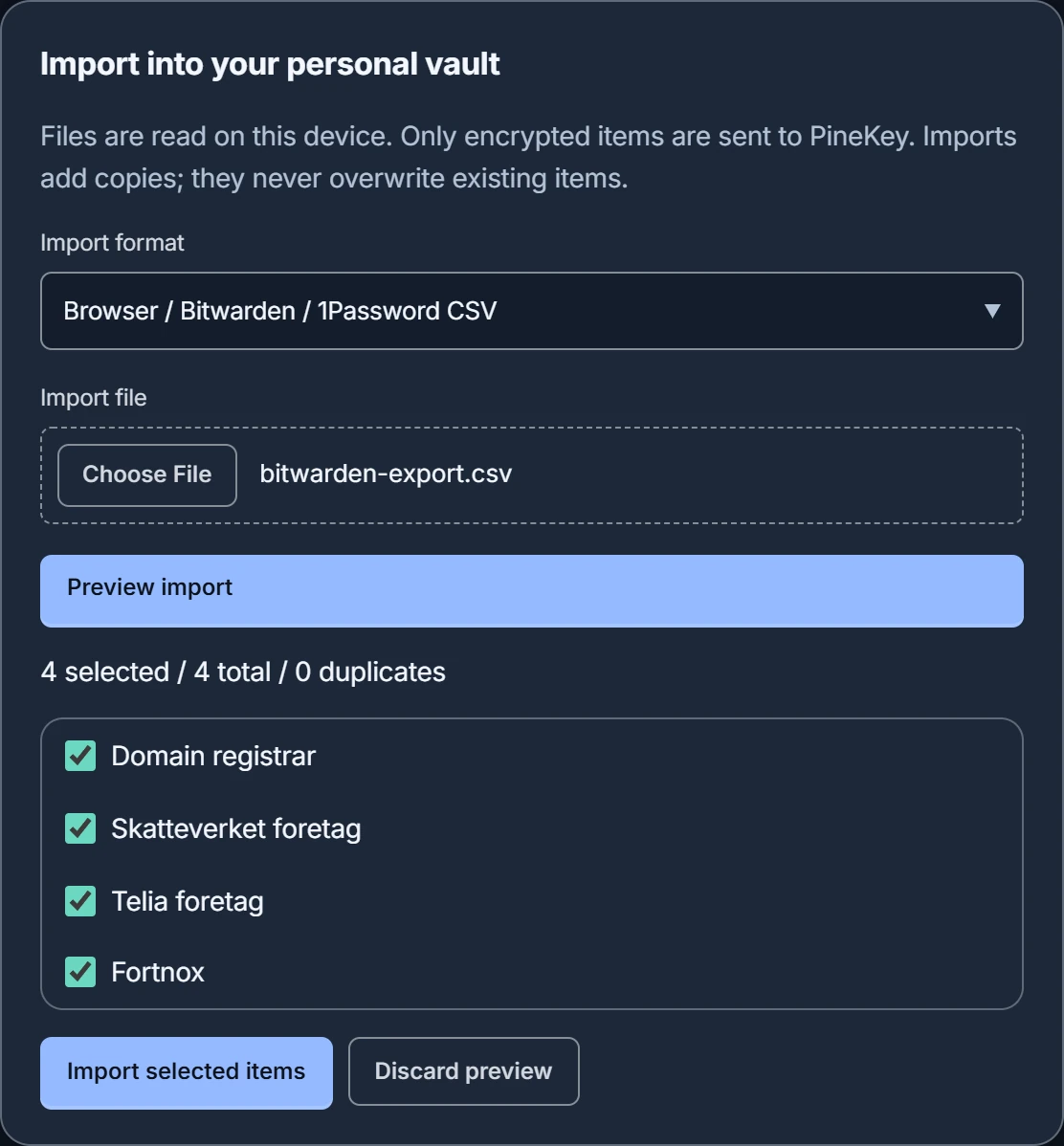
Import from Bitwarden, 1Password or a browser export. Every row is shown before anything is saved, and an encrypted export keeps a copy of your own.
Good to know. Your master password unlocks your encryption keys, and PineKey cannot reset it. Keep a safe copy of it and an encrypted export.
Start with a small team.
Create a free account with your email address. One team with up to 3 people is free; Pro is for larger teams.