Web vault
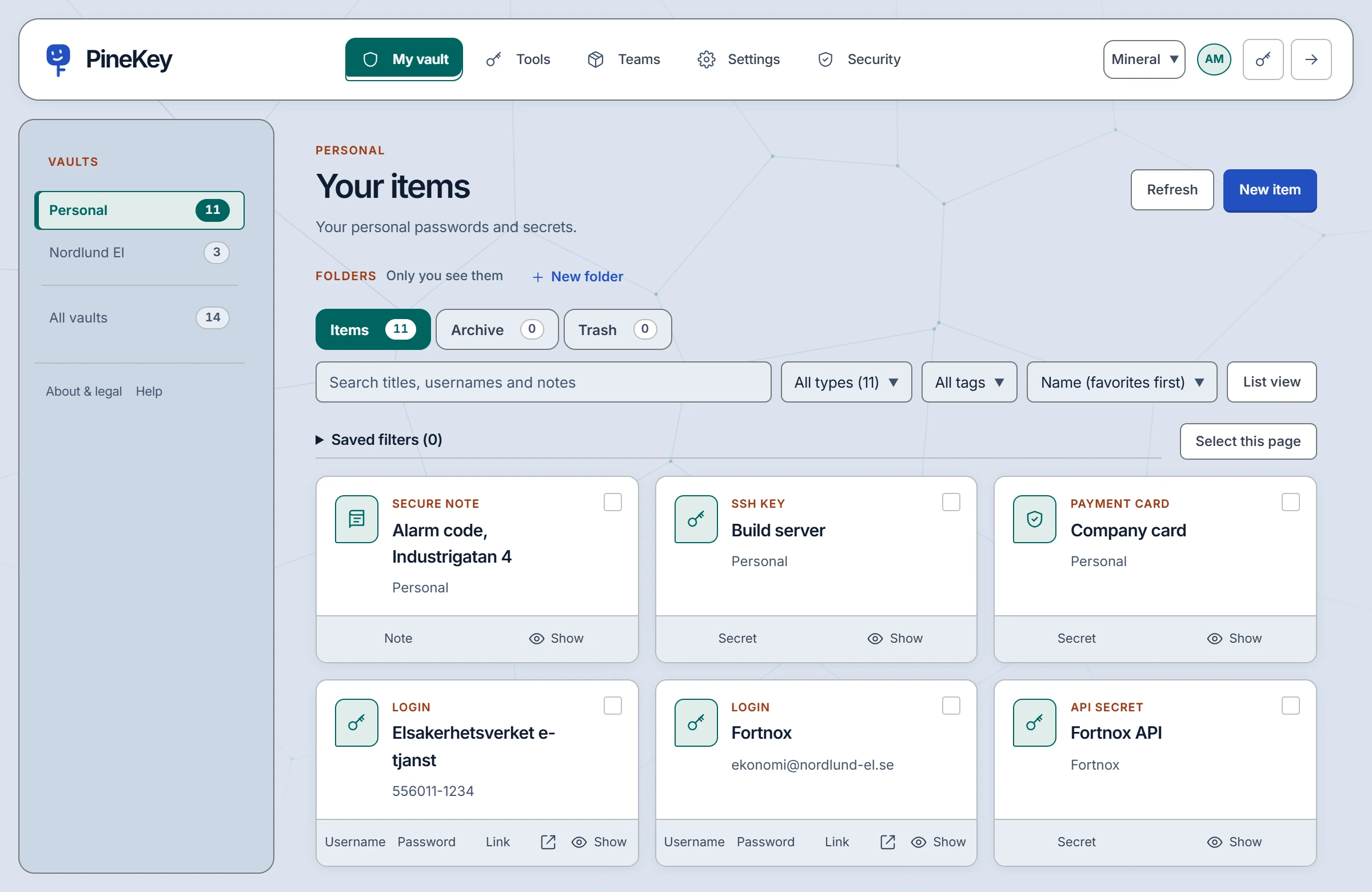
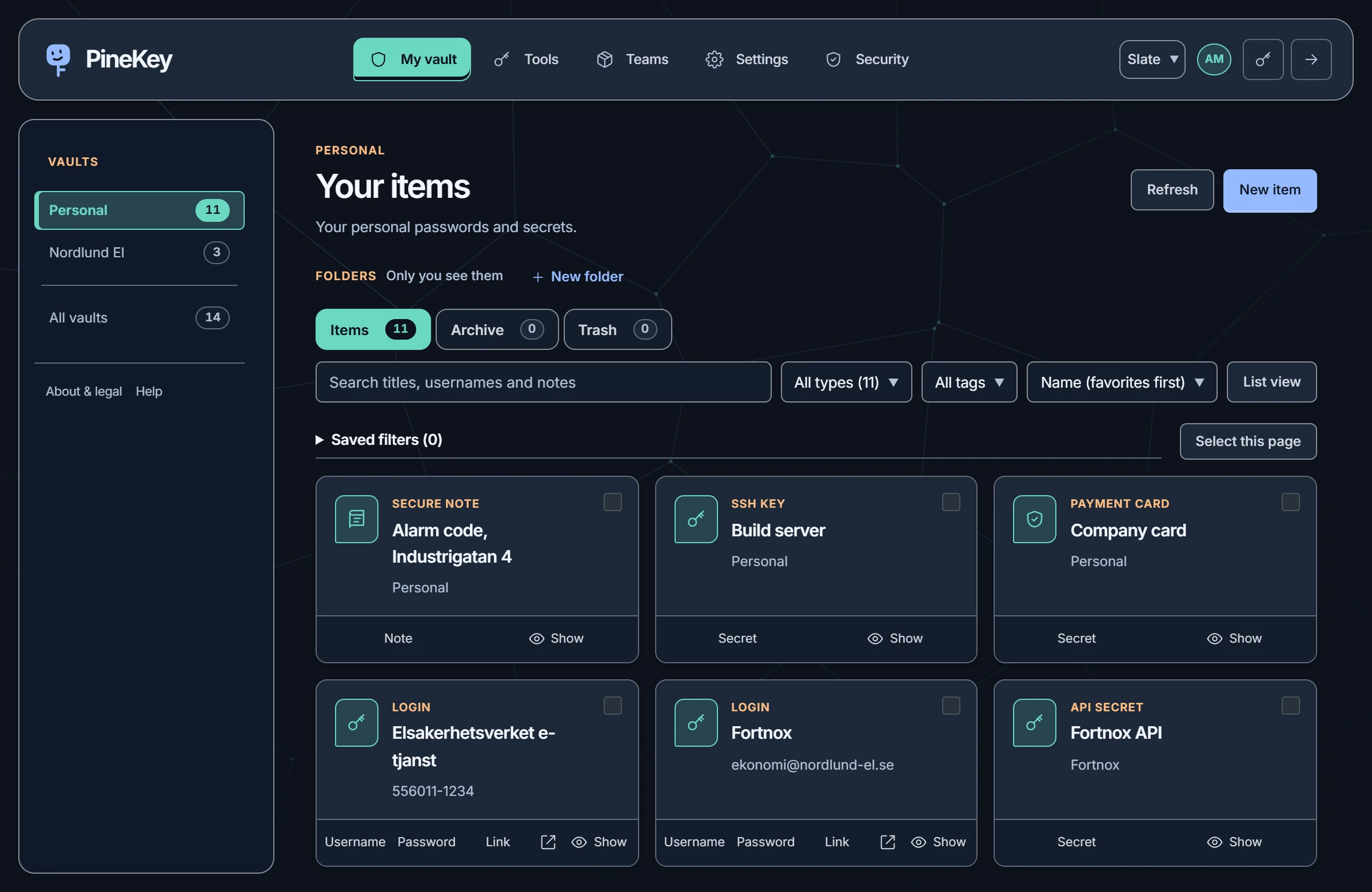
The whole of PineKey: your vault, team collections, settings and tools.
Open the web vaultApps & tools
The web vault in your browser, an extension for Chrome and Edge, and a command line for your terminal.
Three ways in
The whole of PineKey: your vault, team collections, settings and tools.
Open the web vaultUnlock, search your personal and shared logins, and fill the page you are on with a click. You submit the form yourself.
Get the extensionFetch a selected secret, or start a process with the environment variables you choose.
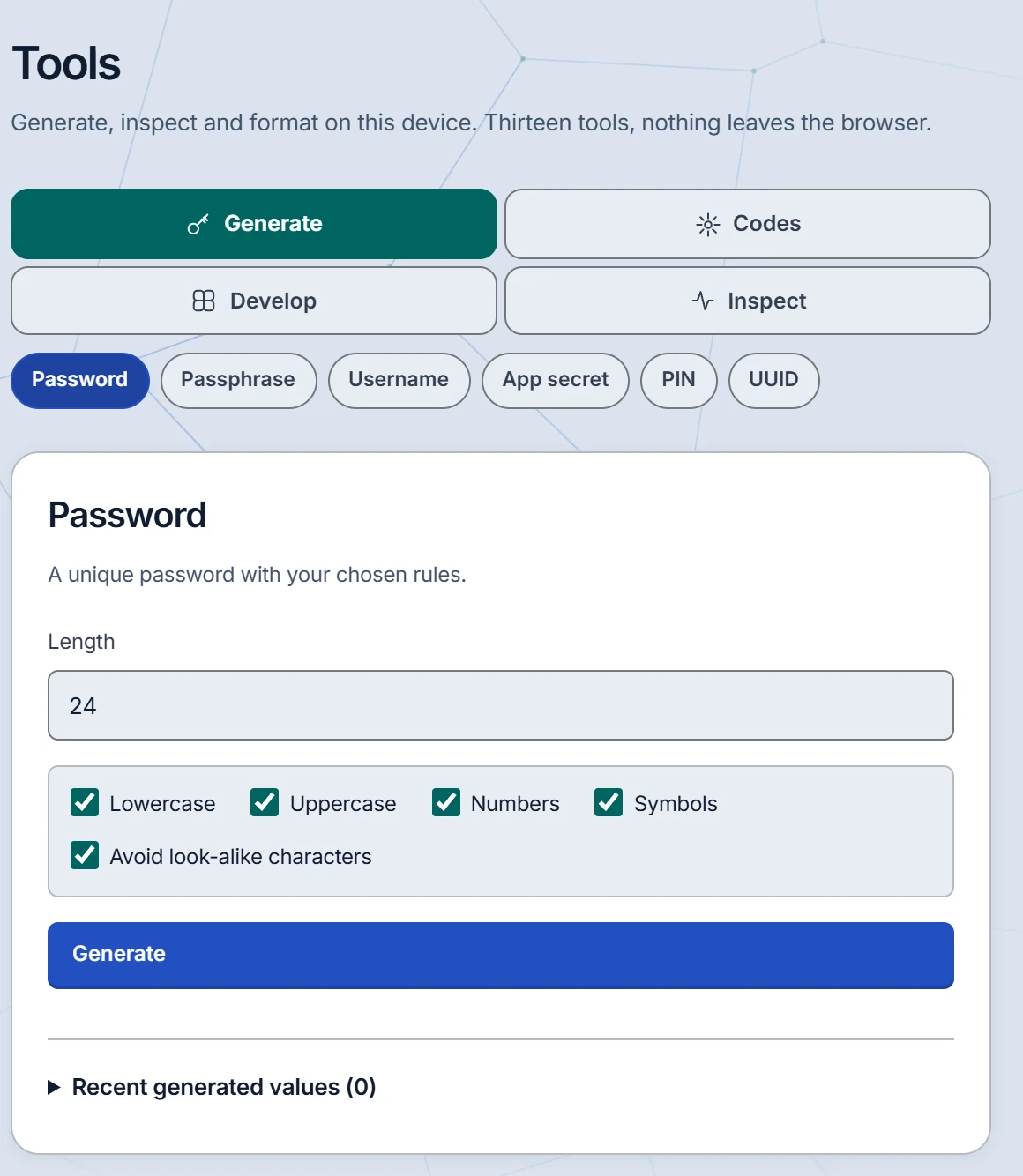
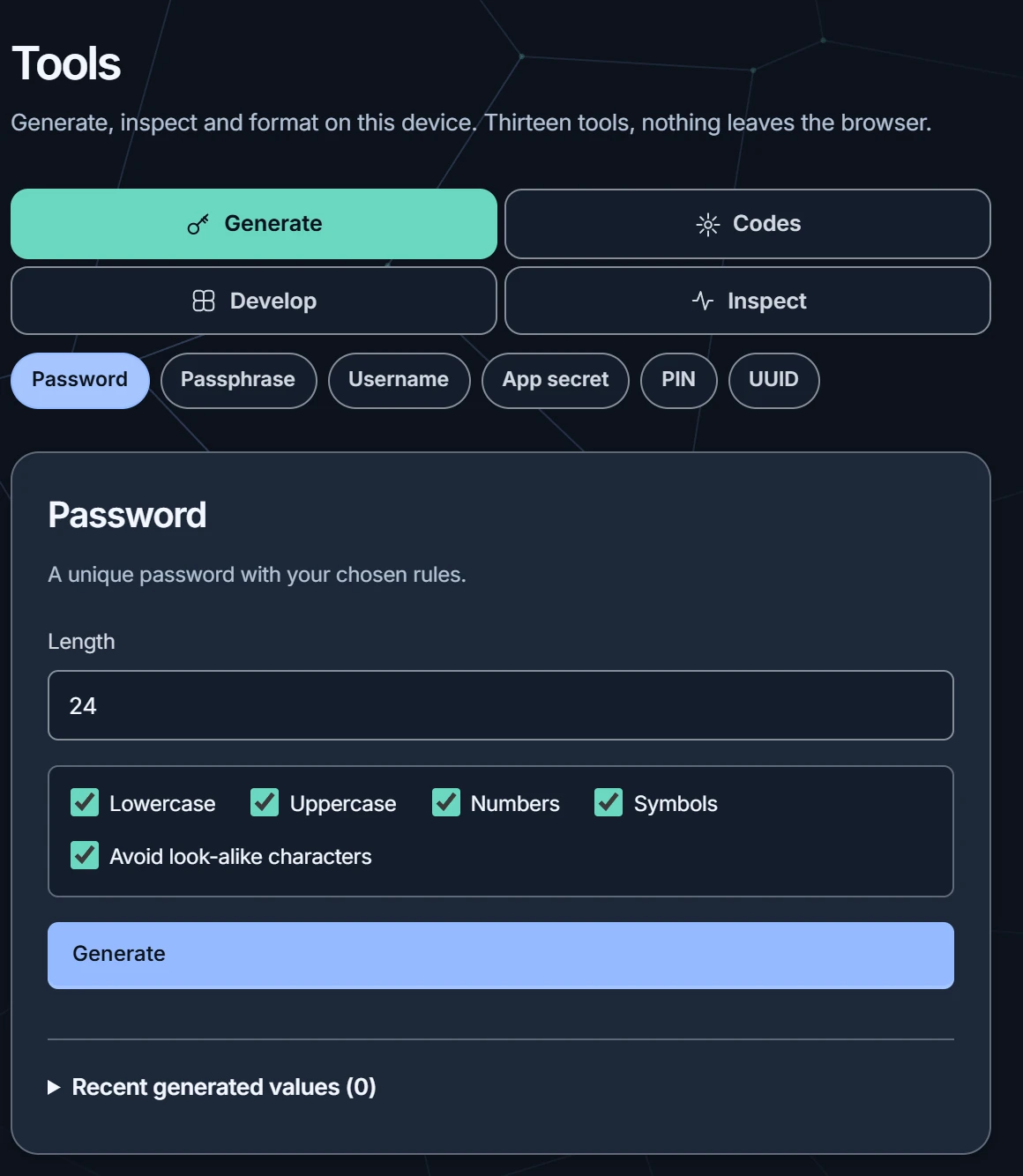
Get the CLIGenerators, authenticator codes, an .env editor, SSH keys, a JWT inspector and a health check of the vault, grouped the way you find them after signing in. Every one runs on your own device.
The extension and the command line sign in on their own and show up under Devices, so you can end one without touching the others. Download both from Settings → Apps and clients.

Good to know. On a phone, use the web vault in the browser. Create and edit items in the web vault; the extension fills what is already there.
Start with a small team.
Create a free account with your email address. One team with up to 3 people is free; Pro is for larger teams.