Project secrets
API secrets, SSH keys and .env files.
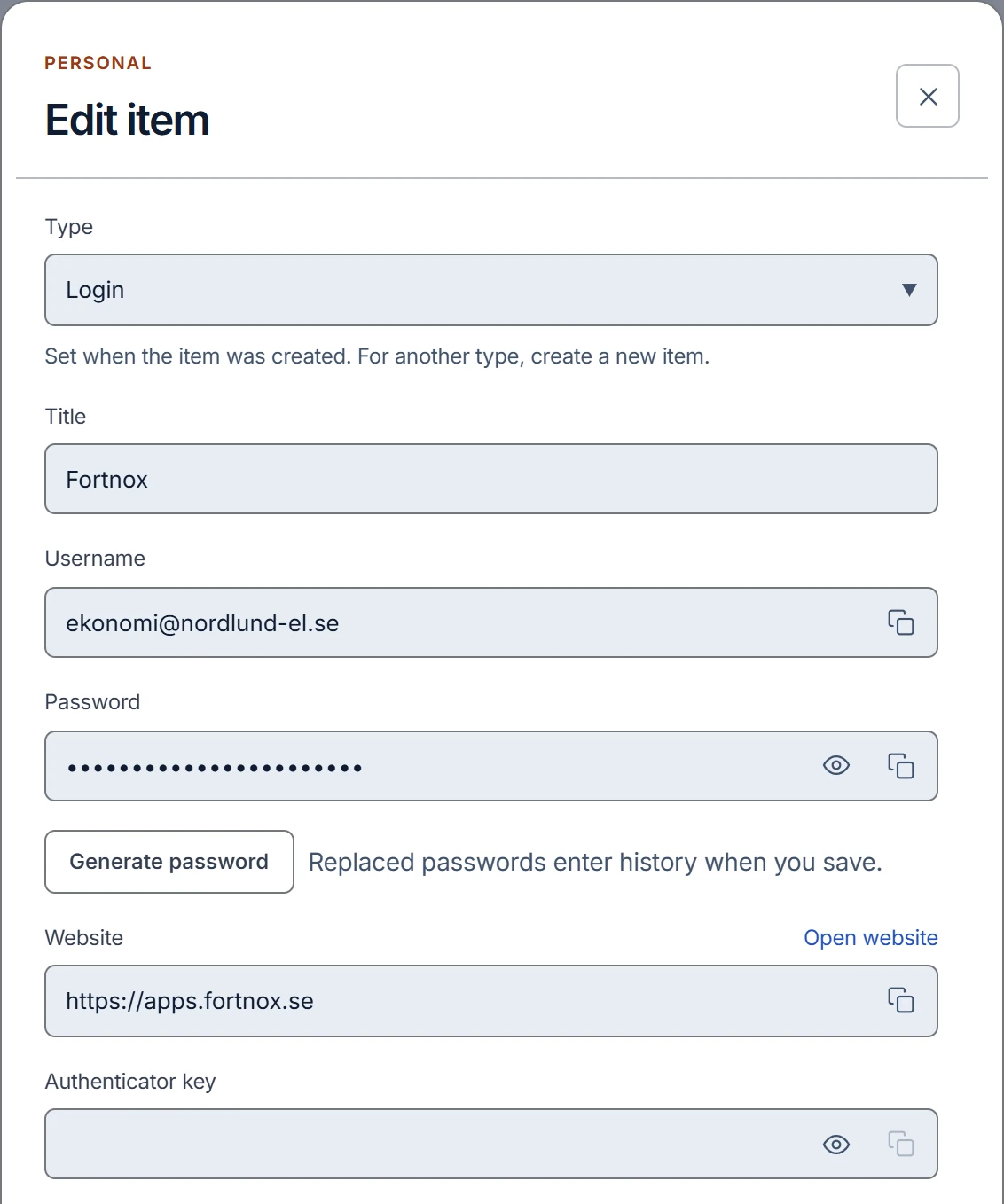
Dedicated items for API secrets, SSH keys and environment variables, with collections, search and encrypted content history. Personal experiments stay apart from team projects.
Solutions / Developers
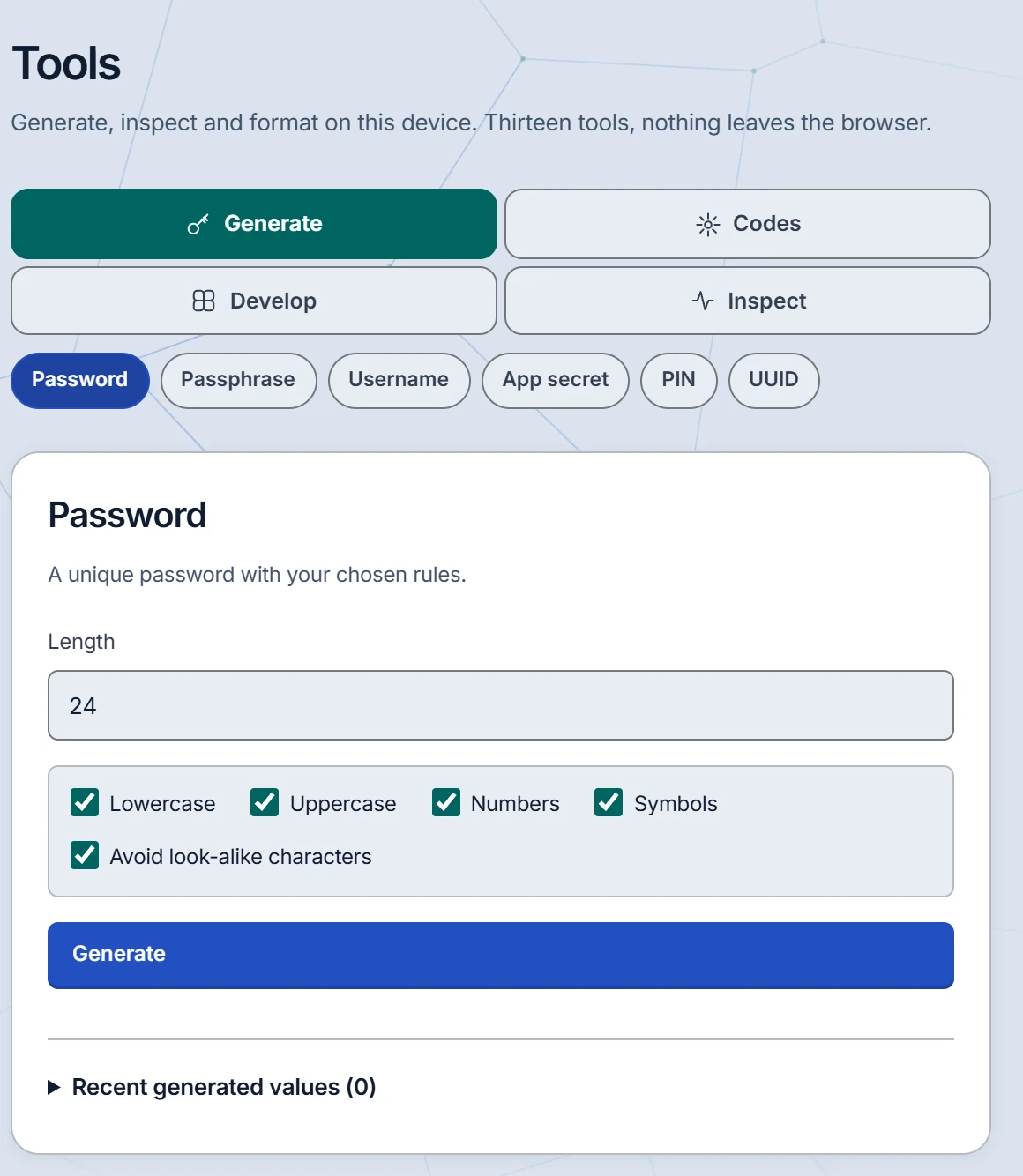
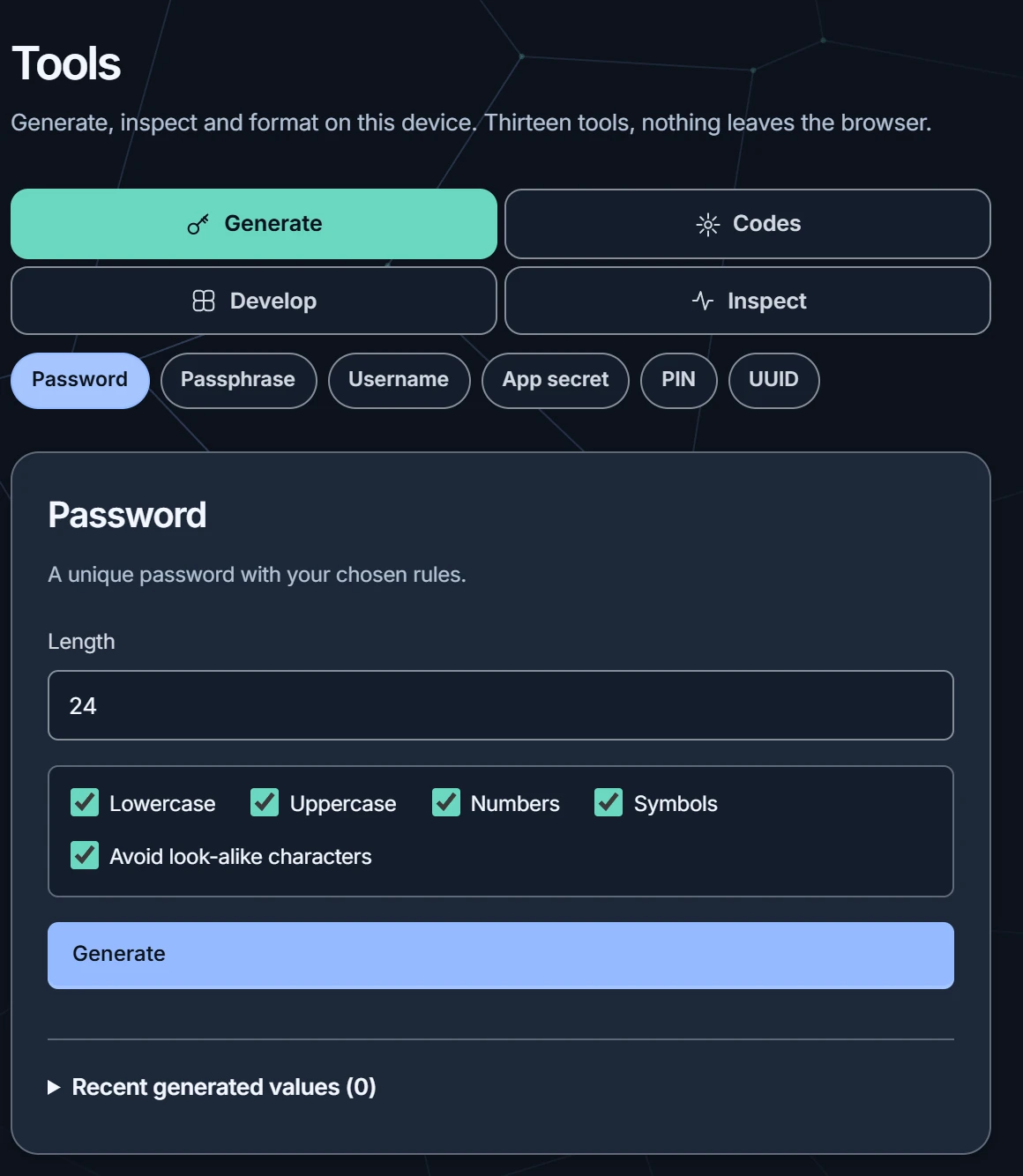
Store project credentials with the context around them, then use the tools you need to get moving. Everything runs on your own device.
Developers
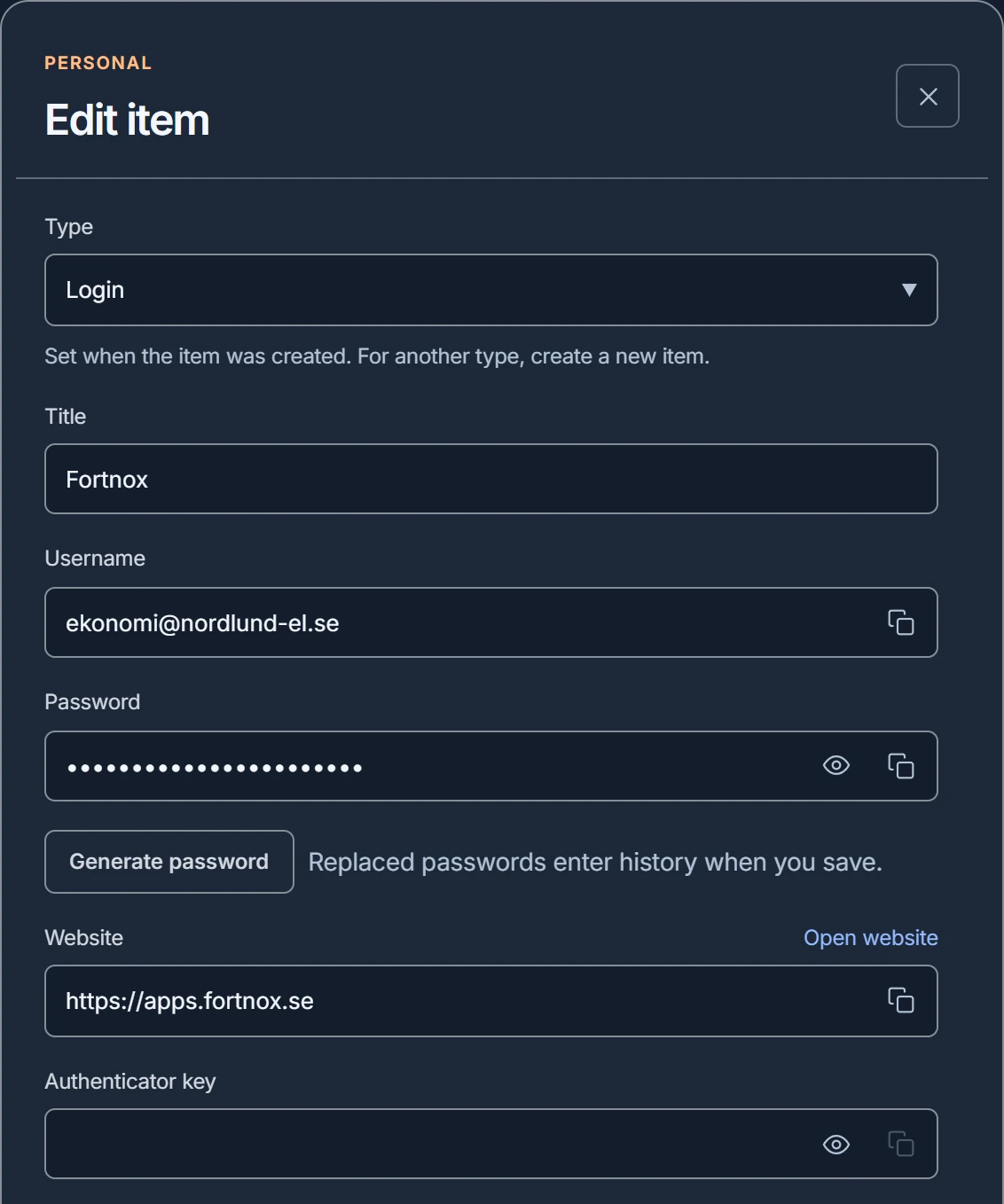
Dedicated items for API secrets, SSH keys and environment variables, with collections, search and encrypted content history. Personal experiments stay apart from team projects.
Fill logins from the Chrome or Edge extension. Fetch a selected value from the command line, or run a process with chosen environment variables. Each client signs in on its own and can be ended under Devices.

Good to know. Secrets you pass to a process are readable by that process. Keep them out of shell logs and untrusted commands. The JWT inspector reads what a token contains; it does not check that the token is genuine.
Start with a small team.
Create a free account with your email address. One team with up to 3 people is free; Pro is for larger teams.